
-
Connect your device to your Mac using a USB or USB-C cable.
-
Click
 in the Dock to open a Finder window, then select the device in the Finder sidebar.
If you connect your device to your Mac using a USB cable and don’t see the device in the Finder sidebar, see If your device doesn’t appear in the sidebar.
-
In the row near the top, click General.

-
Select the “Show this [device] when on Wi-Fi” checkbox.
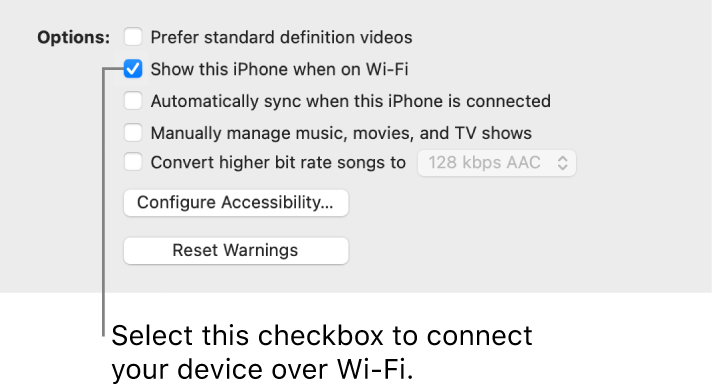
-
Use the options across the top of the window to turn on and select sync settings.
-
Click Apply.
________________________________________________________________________________________________________________
Whenever your device connects to your Mac, the device’s icon appears in the sidebar. Select the device in the Finder sidebar to view or change syncing options.