
This article will show how to factory reset a Chromebook after logging in. This can be useful if someone is getting rid of their Chromebook or if they just want to reset it back to factory settings but are still able to log in
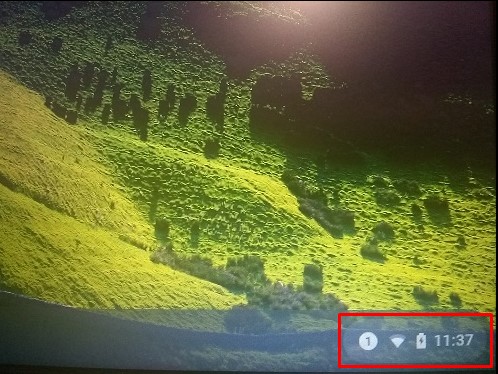
- Log in to your Chromebook. Click the button in the right bottom corner of the screen where the time and battery power can be found. This opens a menu.
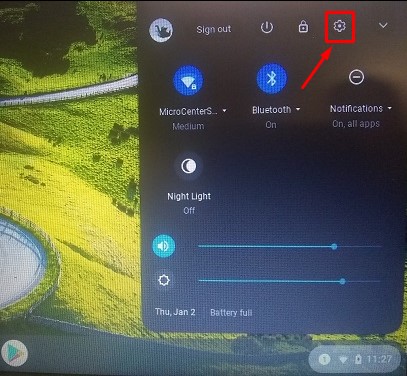
- Click on the Settings icon in the menu to open Settings.
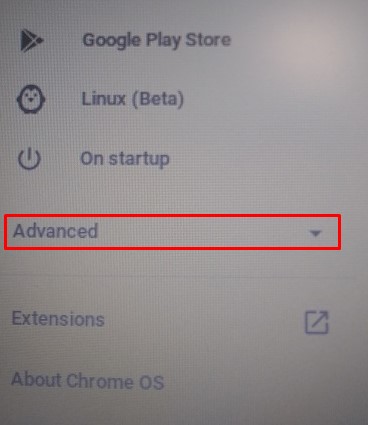
- In Settings, click the Advanced dropdown on the left-hand side to reveal additional options.
- Scroll down the Advanced options to find Reset Settings and click on it.
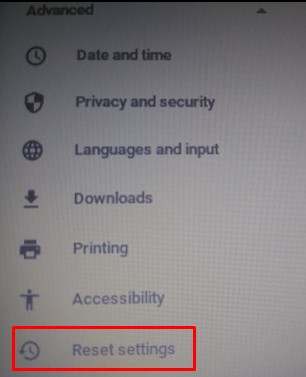
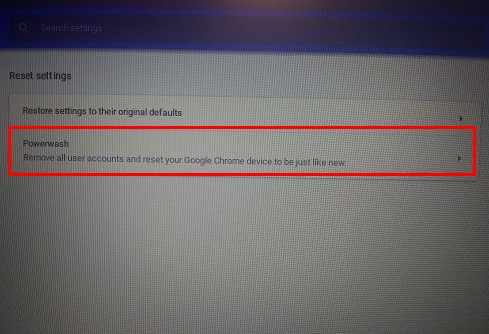
- Under Reset Settings you will find the option to Powerwash. Click to reset.
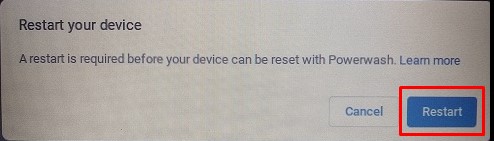
- You will then be prompted to Restart the computer to begin the Powerwash. Click Restart and the process will begin.
- Once the process completes, the computer will be back to an out of box state.